How to Submit Objection Against E-Challan Online In Pakistan 2026
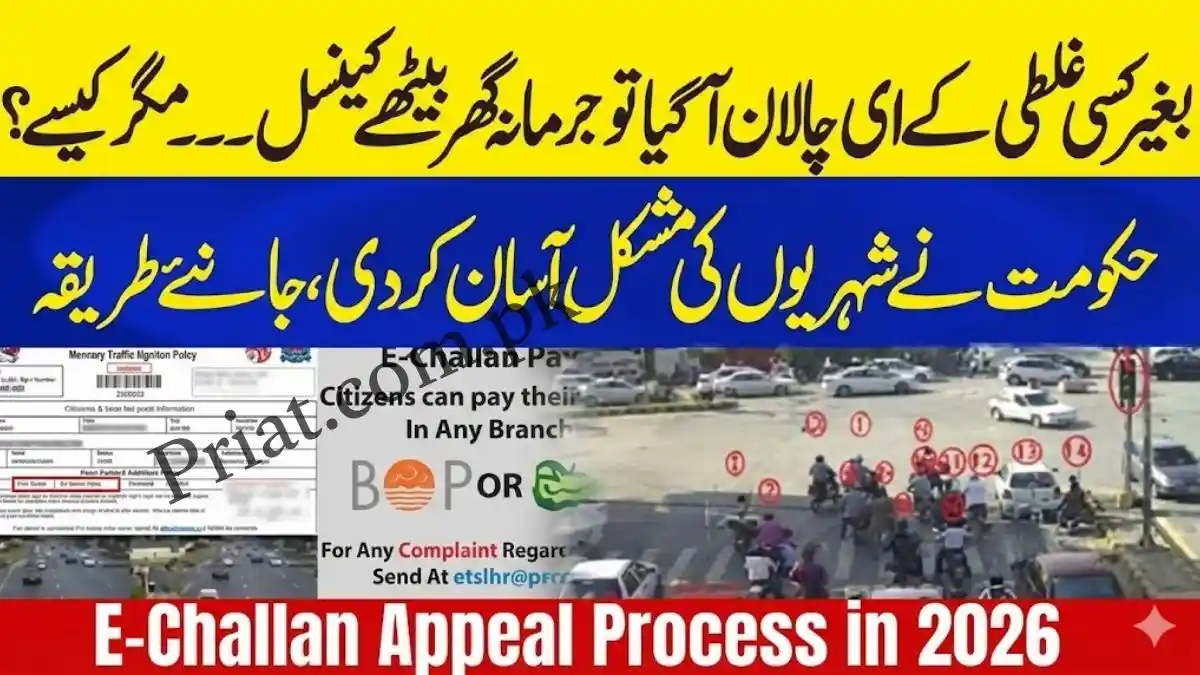
If you’ve received a wrong, duplicate, or misprinted e-challan, you don’t need to rush to a police station. In 2026, most provinces allow you to file an online objection, upload proof, and track the case digitally. Below is a clear, province-wise process plus answers to the most searched questions.
Punjab (Lahore, Multan, Faisalabad & Other Cities)
Managed by Punjab Safe Cities Authority.
Best Ways to File a Safe City Challan Complaint
1) PSCA – Public Safety App (Recommended)

- Install PSCA – Public Safety
- Register with CNIC + mobile
- Open Complaint Management / Traffic Feedback
- Choose E-Challan Objection
- Enter Challan Number
- Upload proof (plate photo, vehicle photo, dashcam clip, etc.)
- Submit and save the Tracking ID
2) Rasta App
- Open the app → My Challans
- Select the challan
- Tap Feedback / Complaint
- Attach evidence and submit
3) 1787 Helpline
- Call 1787 (IG Punjab Complaint Center)
- Register grievance if the app route stalls
Sindh (Karachi & Major Cities)
Handled by Sindh Police.
Faceless E-Ticketing App
- Search challan via CNIC or vehicle number
- Tap Dispute / Object
- Upload evidence
Traffic Facilitation Centers
- Visit or email evidence to official complaint address listed on Sindh Police website
Islamabad (ICT)
Managed by Islamabad Traffic Police.
- Open the ITP Online Complaint System
- Category: Traffic Police → E-Challan Dispute
- Enter vehicle registration + reason
- Upload supporting proof
- Note your tracking number
Khyber Pakhtunkhwa (KP)
Via Raabta App or KP Police web form.
- Go to Challan Related Complaint
- Upload screenshot of challan + evidence
- Submit and track via complaint ID
How to Stop an E-Challan?
You cannot “stop” a valid challan, but you can:
- Dispute it within 10–15 days
- Provide clear evidence (plate mismatch, wrong vehicle, wrong location/time)
- Track status using your complaint ID
If you ignore it, unpaid challans may lead to vehicle blacklisting, blocking transfer/sale.
How to Correct an E-Challan?
Common corrections include:
- Misread number plate (camera OCR error)
- Wrong vehicle color/model
- Duplicate challan for same timestamp
Action Plan
- File online objection (province portal/app)
- Attach:
- Clear photo of your actual number plate
- Photo of your vehicle (front + rear)
- Location proof if necessary (dashcam / timeline)
- Keep your tracking ID
- Follow up within 7–10 working days
Which Is the Best Site to Check Challan?
It depends on province:
- Punjab → PSCA / Rasta App
- Sindh → Sindh Police E-Ticketing Portal
- Islamabad → ITP Online Portal
- KP → Raabta App
Always use official police or safe city portals. Avoid third-party websites.
What Is the PSCA E-Challan Review Feature?
Under PSCA’s system:
- You can review the violation image
- Check time, date, location
- View camera snapshot
- Submit objection digitally
- Track resolution status
This feature increases transparency and reduces in-person visits.
What Is an eChallan Report?
An eChallan Report is a digital summary showing:
- Violation type
- Time & location
- Fine amount
- Payment status
- Vehicle details
You can download it from the official portal for record or court submission.
DLIMS Complaint – When to Use It?
DLIMS (Driving License Issuance Management System) is used for:
- License correction
- Fine record issues linked to license
- Driving license suspension queries
- Challan Number
- CNIC (vehicle owner)
- Registered mobile number
- Clear photo of number plate
- Vehicle photos (front/rear)
- Any GPS/dashcam evidence (if location disputed)
If your challan is wrongly linked to your driving license record, file a complaint through DLIMS or the relevant traffic police portal.
Documents Checklist for Winning a Dispute
Keep these ready:
Important Reminders (2026)
- File objection within 10–15 days
- Keep your complaint tracking ID
- Never pay middlemen
- Unresolved challans can cause vehicle transfer block