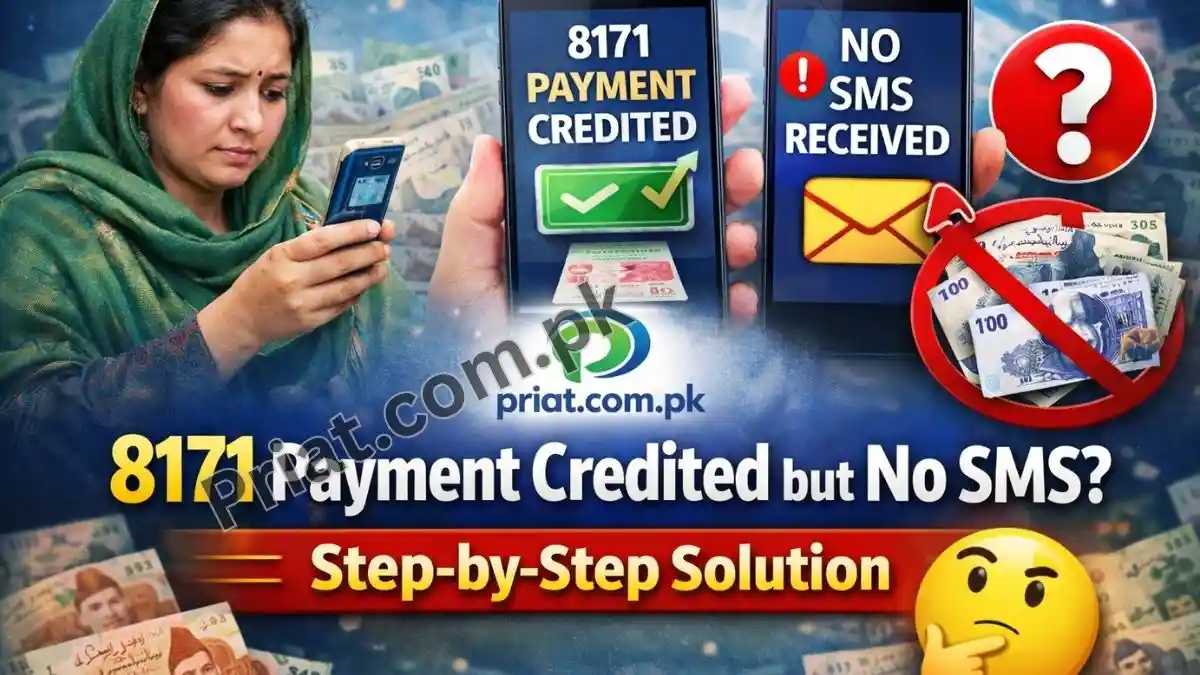
8171 Payment Credited but No SMS? Step-by-Step Solution
It is very common during large payment phases for the Benazir Income Support Programme (BISP) system to credit payments before sending SMS alerts.
As of February 4, 2026, BISP is rolling out the Rs. 13,500 quarterly installment, and heavy server load is delaying or skipping SMS notifications.
No SMS does NOT mean no payment.
If your status shows “Eligible” or “Released” on the portal but your phone is silent, follow the steps below to secure your cash.
Step 1: Independently Confirm the “Credited” Status
Do not rely on SMS alone. Always verify through the system.
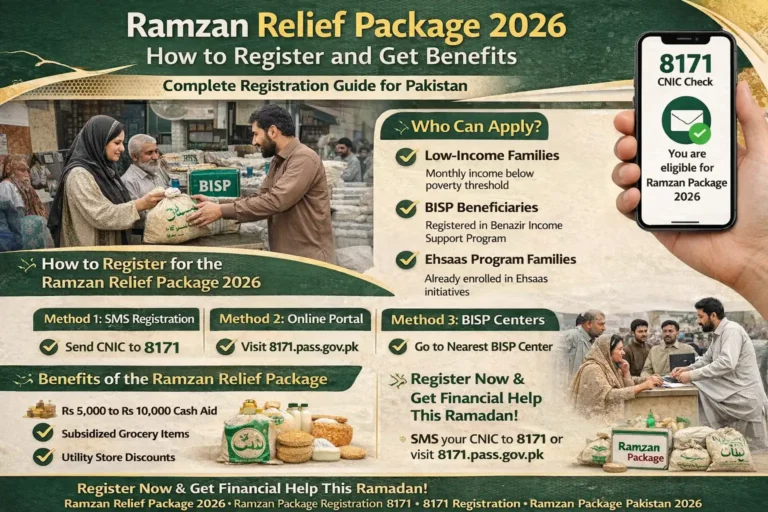
Check via 8171 Web Portal
- Visit 8171.bisp.gov.pk
- Enter your 13-digit CNIC (without dashes)
- Enter captcha and submit
If it shows “Released” or رقم جاری کر دی گئی ہے, your money is already credited in the bank system, even if no SMS arrived.
Trigger a Manual SMS Reply
Sometimes the system sends a reply only after a fresh request.
- Type your CNIC number
- Send it to 8171
Many beneficiaries receive a real-time status reply after doing this, even if they missed the earlier alert.
Step 2: Check for Survey Lock or Error 933
A payment can be credited but locked.
On the portal, carefully check for:
- “Survey Required”
- Error 933
What this means
Your money exists digitally, but banks are not allowed to release it until your household data is updated.
What to do
- Visit your nearest BISP Tehsil Office
- Complete the NSER Dynamic Survey
After completion, the block usually clears within 48–72 hours.

Step 3: Go to a Biometric ATM (Do Not Wait for SMS)
If the portal says Released, you do not need to wait for any message.
Use Authorized Biometric ATMs
- HBL ATMs: Punjab, Sindh, Balochistan
- Bank Alfalah ATMs: KP, AJK, Gilgit-Baltistan
How
- Select BISP / Ehsaas
- Enter CNIC
- Verify with thumbprint
If the payment is credited, the ATM will dispense cash immediately, SMS or not.
➡️ This is safer than retailers and has zero deduction.
Step 4: Fix “No SMS” Problems Permanently
If you never receive BISP messages despite being eligible, check the following:
SIM Ownership
- The SIM must be registered in the beneficiary’s own CNIC
- Family or shop SIMs often do not receive official alerts
SMS Blocking
- Check phone settings for blocked shortcodes or business SMS
- Disable any spam filter temporarily
Mobile Number Changed
- If you changed your phone number, SMS is going to the old one
- Visit a BISP Tehsil Office to update your mobile number in the NSER database
Quick Status Guide (February 4, 2026)
| Portal Status | Meaning | What You Should Do |
|---|---|---|
| Released | Money ready | Go to biometric ATM immediately |
| Survey Required / 933 | Payment locked | Visit BISP office after holidays |
| Eligible (No SMS) | Payment likely credited | Check ATM without waiting |
| Ineligible | No payment | File complaint at BISP office |
Important Holiday Notice
- Thursday, Feb 5, 2026: National Holiday (Kashmir Day)
→ BISP offices and bank branches closed - Biometric ATMs remain open
If the portal shows Released, you can withdraw tonight or tomorrow from an ATM.
Official Help & Helpline
- BISP Helpline: 0800-26477
- Ask about payment credited but SMS not received
Common Questions Answered
How do I check my Ehsaas / BISP payment?
Use 8171 portal or send CNIC to 8171.
How to send SMS on 8171?
Type your 13-digit CNIC and send to 8171.
What is the BISP helpline number?
📞 0800-26477
How to check CNIC BISP status?
Online via 8171.bisp.gov.pk or SMS to 8171.